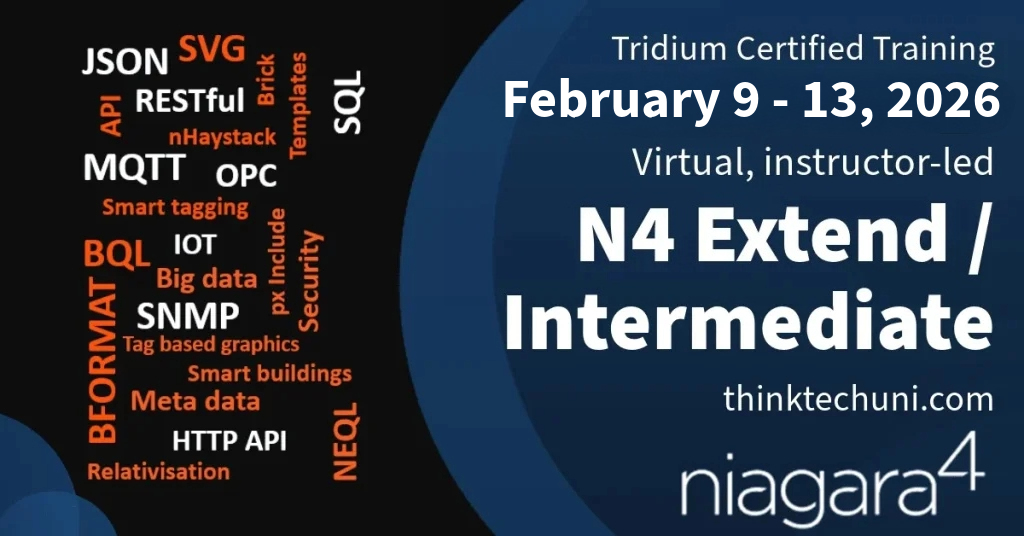
Niagara 4 Extend Intermediate Certification This course is delivered over 5 days
This training course expands and enhances your knowledge of the most integrated system in the world. It is designed for system integrators and engineers with experience and Niagara 4 TCP or Niagara 4 End User Proficient certification completed.
The course is delivered over 5 days.
All students are encouraged to work through series of labs designed to reinforce learning. All demonstrations are provided using real life software environment.
The course ends with the practice project testing the knowledge of main Niagara concepts covered as part of the course, after passing the test, the attendee is awarded the Tridium Niagara 4 Extend Certified status. The certificate demonstrates the expertise to use Niagara 4 extended functionality.
Day 1 – Big Data Day
- Security
- Station security - passphrase / passwords
- Security service
- Smart tagging
- Tag rules / auto-tagging
- Tagging new and existing stations
- nHaystack module and RESTful API
- Smart NEQL search
- Grouping data in right hierarchies
- Granting access to relevant information only
- BQL
- Syntax
- How to use queries, BQL tools and tables effectively
Day 2 – Smart Graohics Day
- Graphics Deep Dive
- How to design user friendly graphics
- BFORMAT explained
- Useful BFORMAT examples
- Graphics relativisation
- Advanced px include
- Tabbed panes
- Dashboards
- Tag based graphics
- SVG
Day 3 – Integration Day
- Module signing
- Example of conde signing SSL certificate creation
- Module signing
- Program signing
- Integration workshop
- IOT protocols
- SNMP
- MQTT – in & out
- JSON – in & out
- OPC – in & out
- SQL + Archive History Provider
Day 4 – Data Access Day
- Templates
- Creating and deploying a fully integrated template
- Bulk deployment from Excel
- Reports
- Manual reports
- Auto-reports generation
- History
- User friendly history navigation
- Use of metadata
- Alarms
- Correct alarm management and display
- Real example of e-mail alarm service setup
- Niagara diagnostics
- Event service
- SPY feature
- Monitoring main system parameters
Day 5 – Practice Day
- Test project - Small project built by yourself